Small Business Tools
Best Email Management Software for Small Businesses in 2026
July 26, 2026 · 9 min read
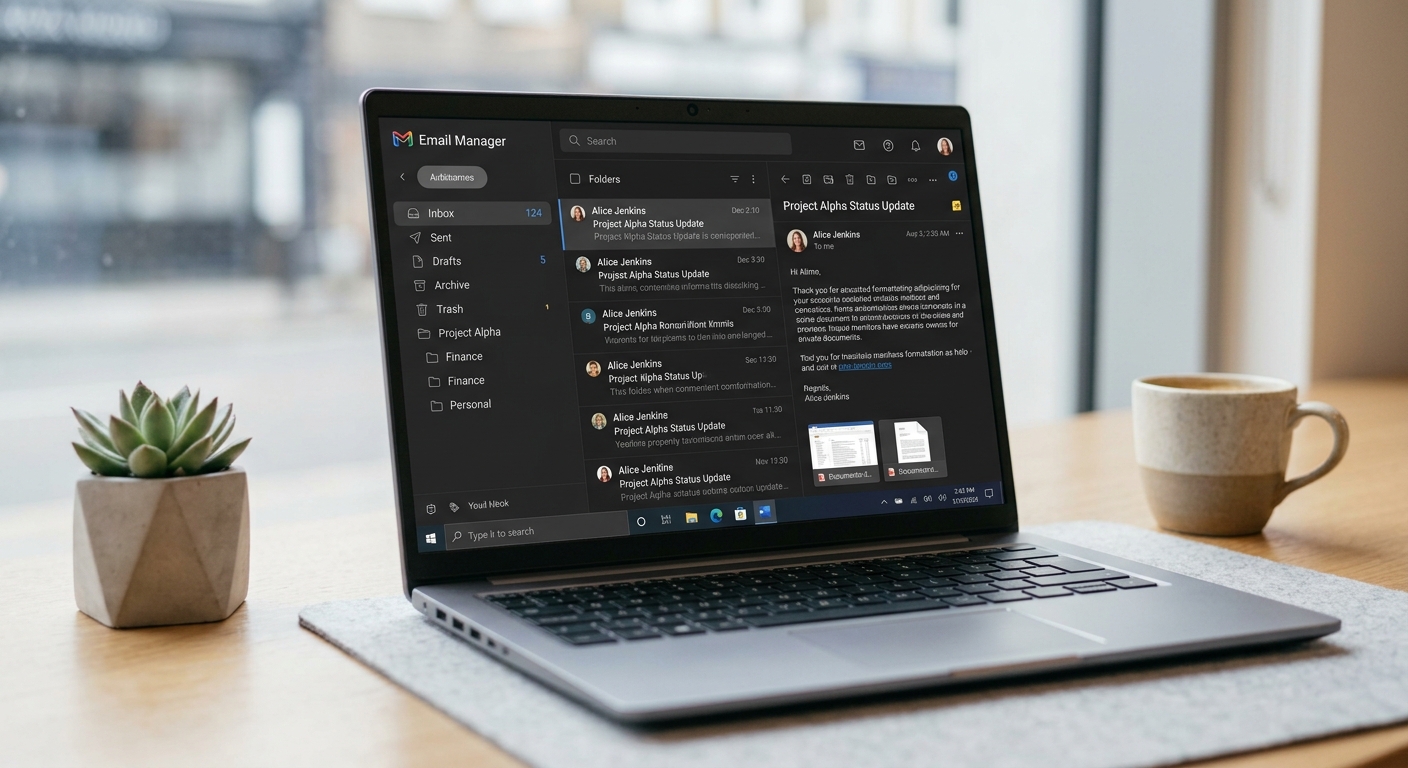
If your team is still juggling a messy shared Gmail login, sticky notes, and "did anyone reply to this yet?" messages on Slack, you already know why email management software exists. As a small business grows, so does the volume of customer questions, sales inquiries, and internal requests flooding a single inbox — and without the right system, things get missed.
The good news: you don't need an enterprise-grade helpdesk to fix this. There are lean, affordable tools built specifically for small teams that turn inbox chaos into an organised workflow — with assignment, tagging, automation, and shared visibility.
In this guide, we'll break down the best email management software for small businesses, who each tool is best suited for, and what to look for before you commit to one.
What Is Email Management Software?
Email management software is a tool (or add-on to your existing inbox) that helps teams organise, assign, automate, and track email conversations — instead of everyone working from one crowded, disorganised mailbox. Instead of forwarding messages back and forth or CC'ing the whole team, these tools let you:
- Turn emails into assignable tasks or tickets
- See who's already replied to avoid duplicate responses
- Tag and categorise messages automatically
- Set up canned responses and automation rules
- Track response times and team performance
How to Choose the Right Tool for Your Small Business
Before comparing options, get clear on:
- Where your email already lives. Gmail-native tools (like Hiver) plug directly into Google Workspace. Others (like Front or Missive) work as a standalone client across providers.
- Team size and volume. A two-person team has very different needs from a 15-person support team.
- Budget. Most small-business tools run $10–$30/user/month, though some free tiers exist.
- Integration needs. Do you need this to talk to your CRM, Slack, or helpdesk software?
- Automation depth. Basic rules vs. full workflow automation makes a big difference as you scale.
With that in mind, here's the lineup.
1. Google Workspace (Gmail)
Best for: Businesses that just need reliable, collaborative email without a separate tool.
Gmail through Google Workspace remains a dependable baseline for small business email. You get shared calendars, docs, and video calls bundled in, plus enough admin controls to assign roles across a small team. It won't give you ticketing, automation, or advanced shared-inbox features on its own — but paired with an add-on like Hiver, it becomes a genuinely powerful setup.
Pricing: Starts around $7/user/month.
2. Hiver
Best for: Teams that live in Gmail and want shared-inbox features without switching platforms.
Hiver adds email assignment, internal notes, status tracking, and automation directly inside Gmail — no new interface to learn. It's a favourite for small customer support, sales, and operations teams that don't want to migrate away from Google Workspace.
Pros: Native Gmail experience, easy onboarding, solid automation and reporting.
Cons: Built specifically for Gmail/Google Workspace users; less useful if you're on Outlook.
3. Front
Best for: Growing teams that want a unified inbox across email, SMS, and chat apps.
Front combines email with other communication channels into one shared view, so nothing falls through the cracks across tools. It's popular with small businesses that handle customer communication across multiple channels, not just email.
Pros: Multi-channel unification, strong collaboration features, clean interface.
Cons: Pricier at scale; some automation features are gated to higher tiers.
4. Missive
Best for: Small, close-knit teams that want a shared inbox plus built-in team chat.
Missive blends a shared email inbox with internal team chat, so you can discuss a customer email without leaving the thread. It's a good fit for lean startups and agencies.
Pros: Affordable, combines chat + inbox, good for small teams.
Cons: Less robust reporting than larger platforms like Front or Hiver.
5. Zoho Mail
Best for: Businesses that want an all-in-one, ad-free email and productivity suite.
Zoho Mail is a secure, business-focused email platform that pairs naturally with the rest of the Zoho ecosystem — CRM, projects, and collaboration tools. It's a strong option for small to midsize businesses that want everything under one vendor.
Pros: Affordable, integrated productivity suite, strong data privacy focus.
Cons: Fewer third-party integrations outside the Zoho ecosystem.
6. SaneBox
Best for: Solo founders and small teams drowning in inbox overload.
SaneBox uses AI to sort unimportant emails out of your main inbox, remind you about unanswered messages, and help you reach inbox zero without changing your existing email provider. It's less about team collaboration and more about individual inbox sanity.
Pros: Works with any email provider, minimal setup, genuinely reduces inbox clutter.
Cons: Not built for team-based shared-inbox workflows.
7. Clean Email
Best for: Businesses that need to declutter years of inbox backlog fast.
Clean Email specialises in bulk sorting, unsubscribing, and archiving old email — useful for a business inbox that's been neglected for years. It's a cleanup tool first, workflow tool second.
Pros: Fast bulk actions, easy unsubscribe management, works across providers.
Cons: Not designed for ongoing team collaboration or ticketing.
8. HubSpot (Free Email Tools + CRM)
Best for: Small businesses that want email management tied directly to a free CRM.
HubSpot's free tier includes shared inbox and email tracking tools connected to its CRM, so every customer email is automatically logged against a contact record. It's a strong pick if you're also thinking about sales pipeline and marketing down the line.
Pros: Free starting tier, scales into full CRM and marketing automation.
Cons: Can feel like overkill if you only need basic email management.
9. Mailbird
Best for: Windows-based teams managing multiple email accounts from one inbox.
Mailbird is a desktop email client that unifies multiple accounts, contacts, and app integrations (WhatsApp, Google Calendar) into a single customisable inbox. It's aimed more at individual professionals than large support teams.
Pros: Deep customisation, good for managing several accounts at once.
Cons: Windows-only; less suited to distributed team collaboration.
Quick Comparison Table
| Tool | Best For | Starting Price |
|---|---|---|
| Google Workspace | General business email | ~$7/user/mo |
| Hiver | Gmail-native shared inbox | ~$19/user/mo |
| Front | Multi-channel unified inbox | ~$19/user/mo |
| Missive | Small teams + team chat | ~$14/user/mo |
| Zoho Mail | All-in-one productivity suite | ~$1/user/mo |
| SaneBox | Solo inbox declutter (AI) | ~$7/mo |
| Clean Email | Bulk inbox cleanup | ~$8/mo |
| HubSpot | Free email + CRM | Free tier available |
| Mailbird | Windows multi-account client | ~$3.25/user/mo |
Pricing changes frequently — always confirm current rates on each provider's site before publishing.
Frequently Asked Questions
What's the best free email management software for small business?
HubSpot's free tier and Google Workspace's basic Gmail features are the strongest free starting points, especially if you don't yet need full shared-inbox collaboration.
Do I need a shared inbox tool if I'm a solo founder?
Probably not — a decluttering tool like SaneBox or Clean Email will likely serve you better than a full team-collaboration platform.
Can I use email management software with Outlook?
Yes. Tools like Front, Missive, and Mailbird work across providers, not just Gmail.
Final Thoughts
The right email management software depends less on which tool has the flashiest feature list and more on how your team actually communicates day to day. Gmail-native teams will likely be happiest with Hiver; multi-channel teams should look at Front; and solo founders drowning in inbox clutter will get the most value from SaneBox or Clean Email. Whichever you pick, start with a free trial and test it against your real inbox before committing.
And if you'd rather hand your inbox off entirely instead of managing another piece of software, that's exactly what an Executive Assistant is for.
Want your inbox handled instead of just organised?
Book a Free Consultation